Enter TOTP
If TOTP is enabled on your Dhan account:
- Enter the 6-digit code from your authenticator app.
- (Optional) If TOTP is not working, click Login via OTP.
- Click Proceed.
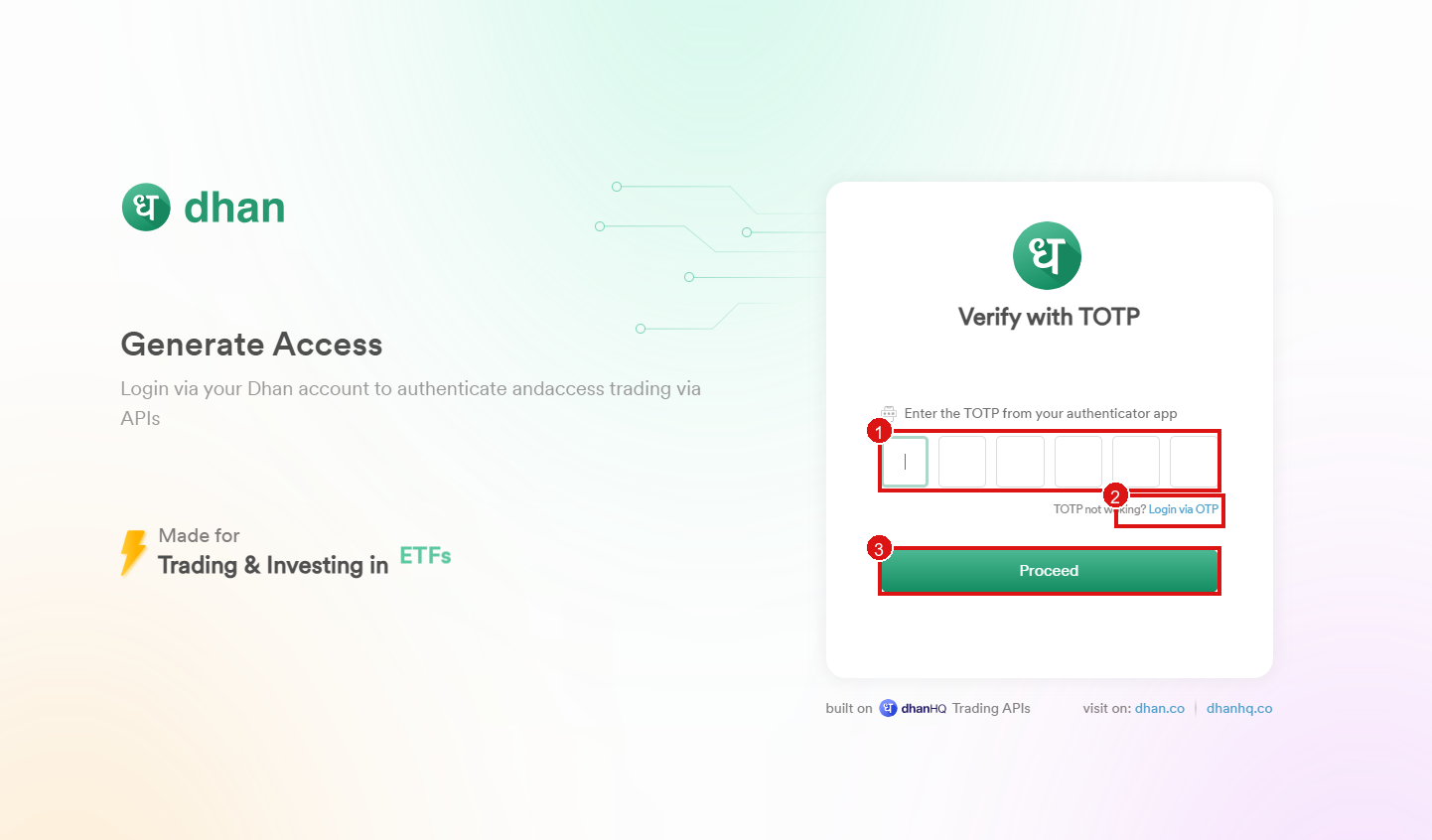
No TOTP, or it is not working? Use Login via OTP, then continue to Enter OTP.