Log in on Dhan
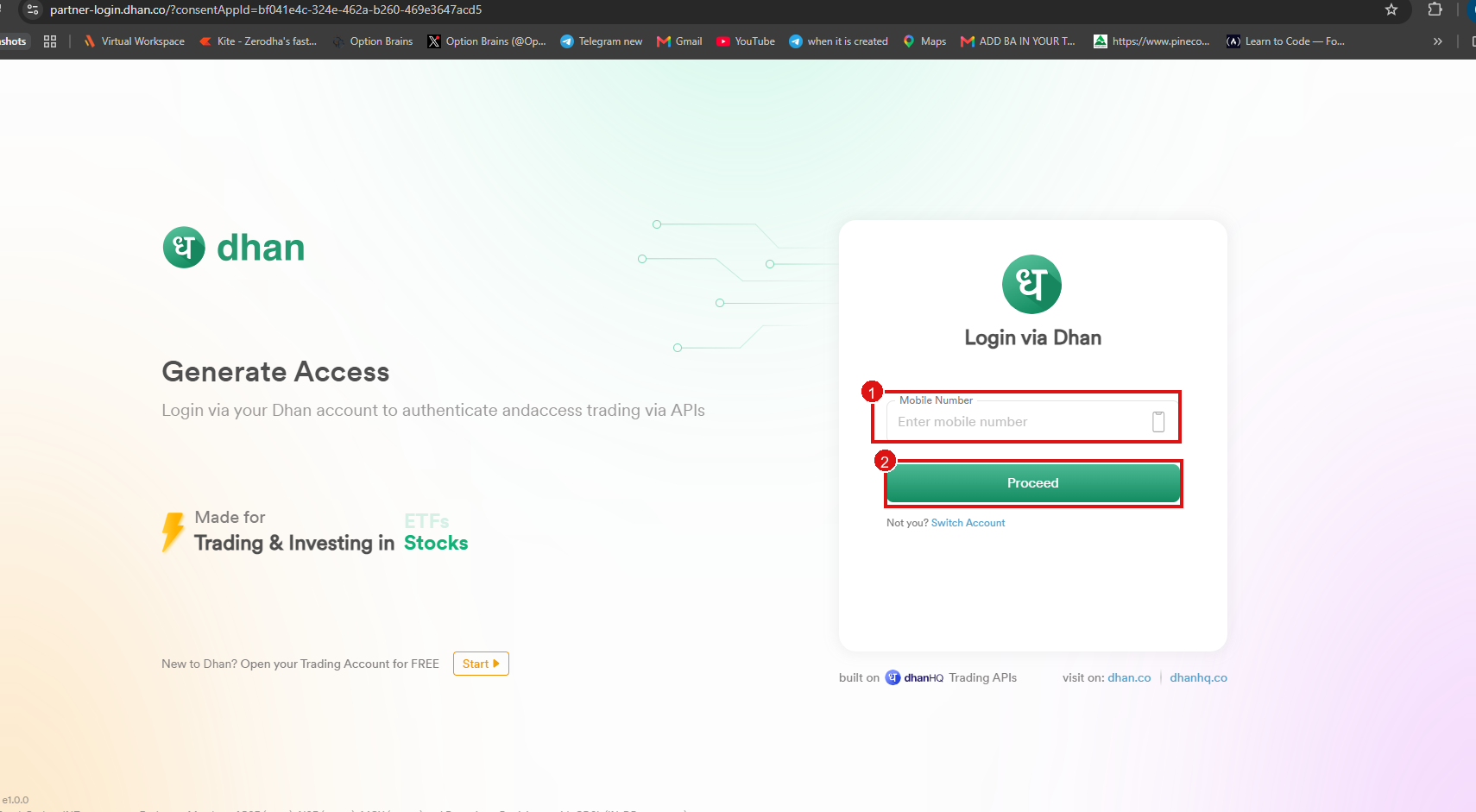
After Static IP is saved, click Continue to authorize (or Save & Authorize / Re-authorize with Dhan). TradePod opens the Dhan login page.
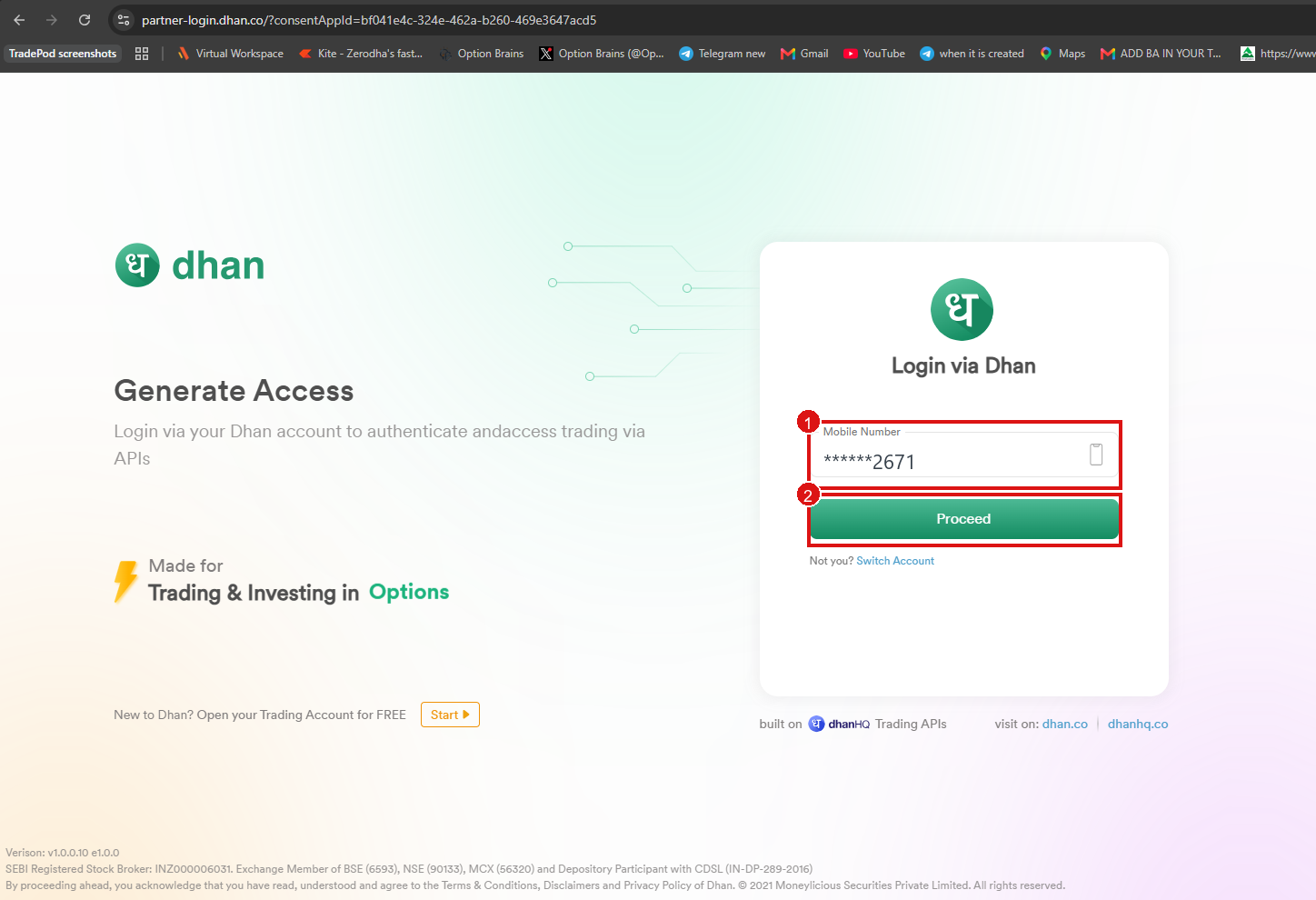
- Enter the mobile number linked to your Dhan account.
- Click Proceed.
Login page
Mobile number entered
note
Screenshots may mask the number (e.g. ******2671). Enter your full mobile number.
Next: Enter TOTP or Enter OTP